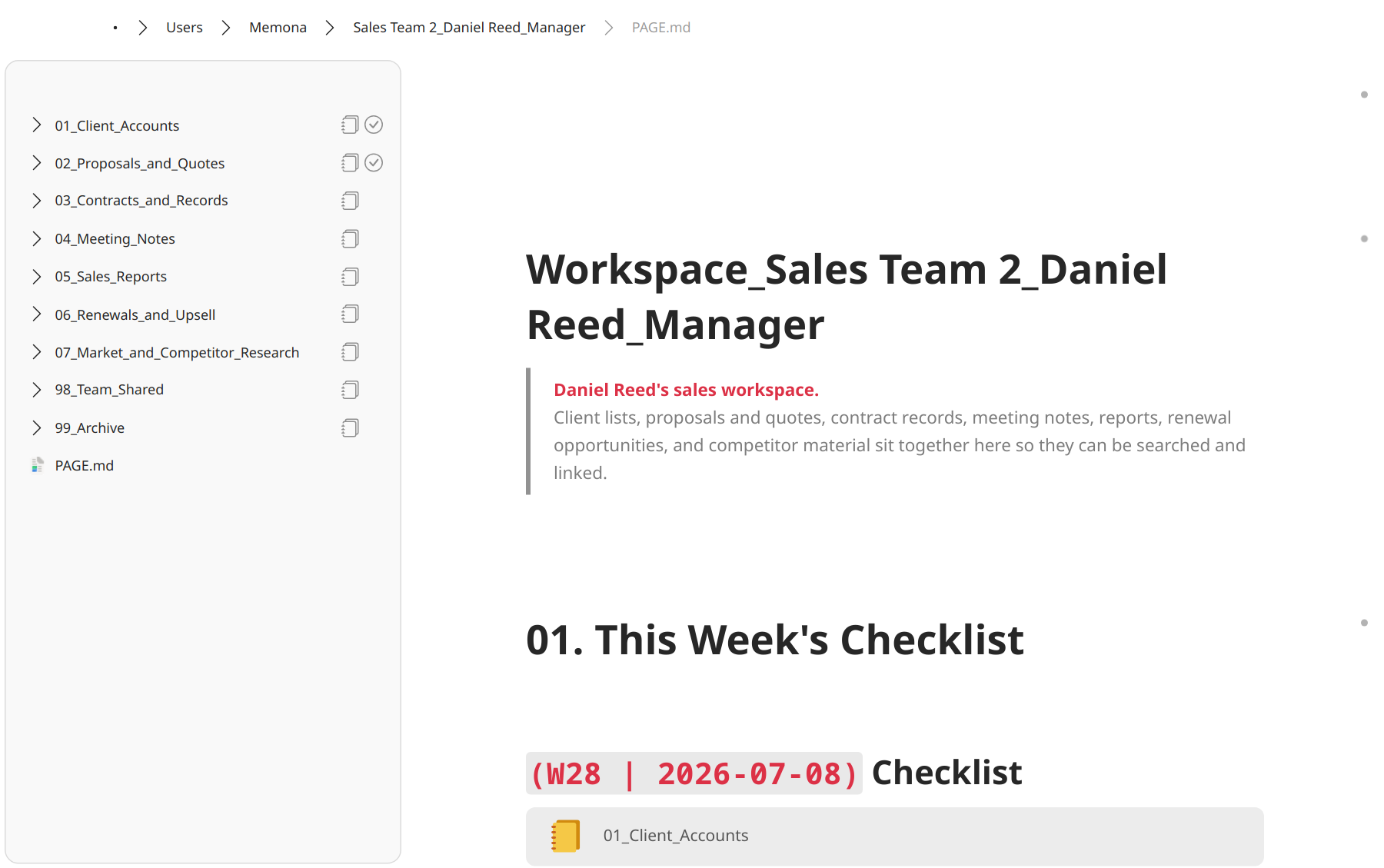
Small teams with frequent handoffs
The person who handled this left. I do not know what is in which folder or file.
Add notes to the folders and files already on your PC.
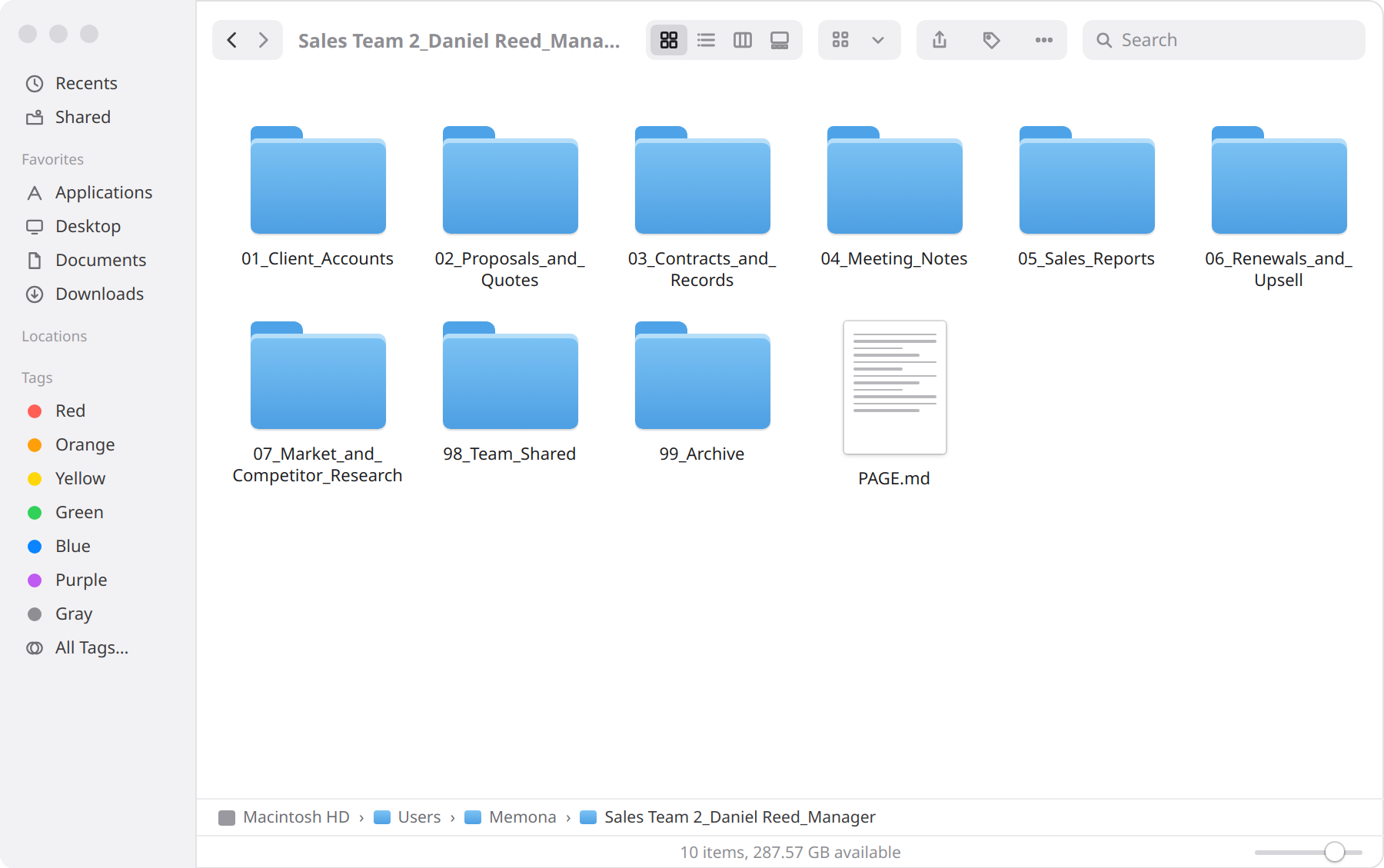
The folder window you already use Headings, text, checklists, and notes about each file, all in one place
Common problems
The person who handled this left. I do not know what is in which folder or file.
Write the folder's purpose, decisions, and next steps in Markdown and Canvas.
Editing Markdown in a program like VS Code feels too hard and inconvenient.
Non-developers can change blocks like a document without knowing the syntax.
Security rules mean I cannot use AI, or I can only use certain models and environments.
Your files stay local. Connect the AI you choose only when you need it.
Notes in your folders
Record the folder’s purpose and the reasons for decisions in Markdown (.md), and connect related materials in Canvas (.canvas). Both files stay in the folder where you work.
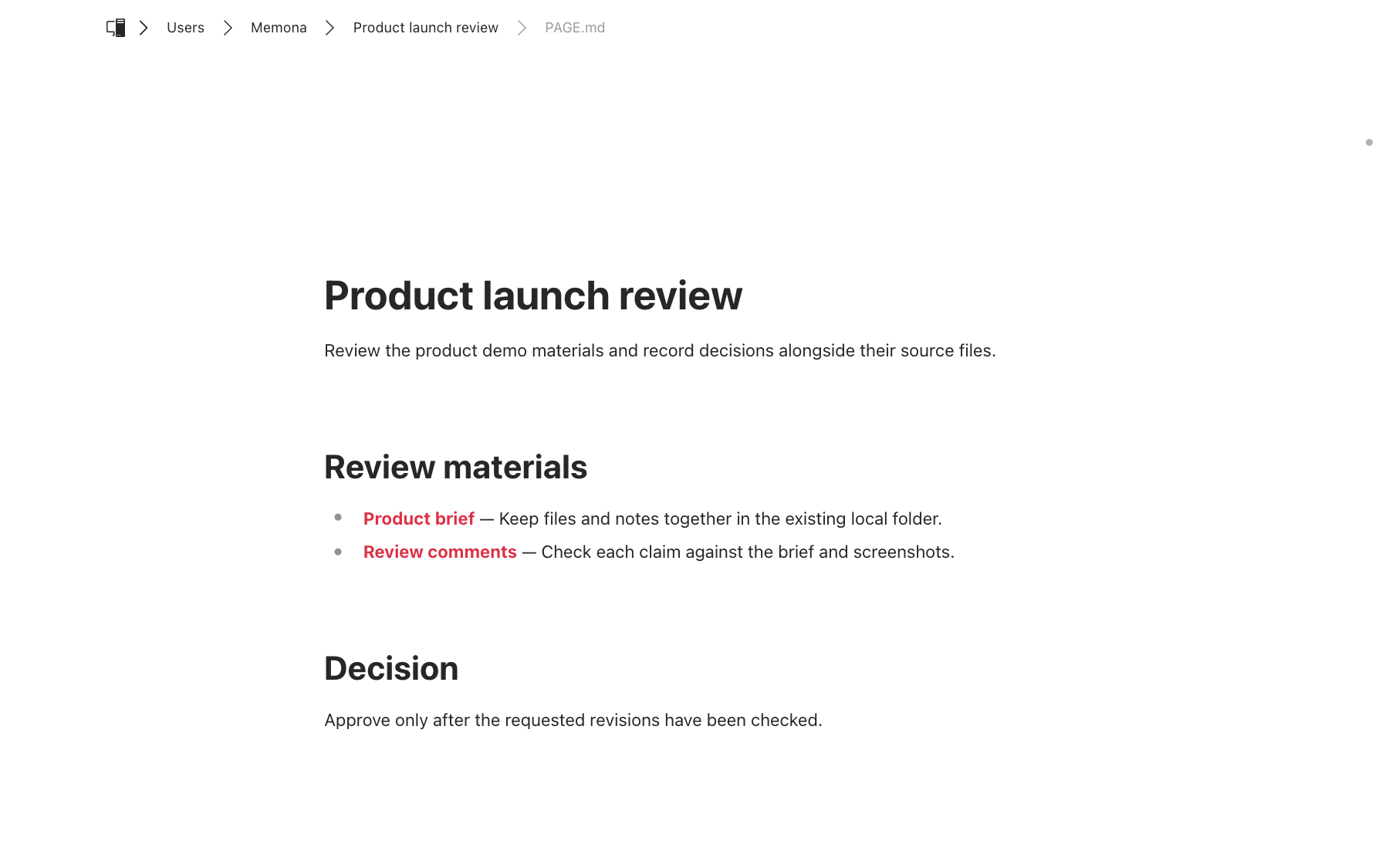
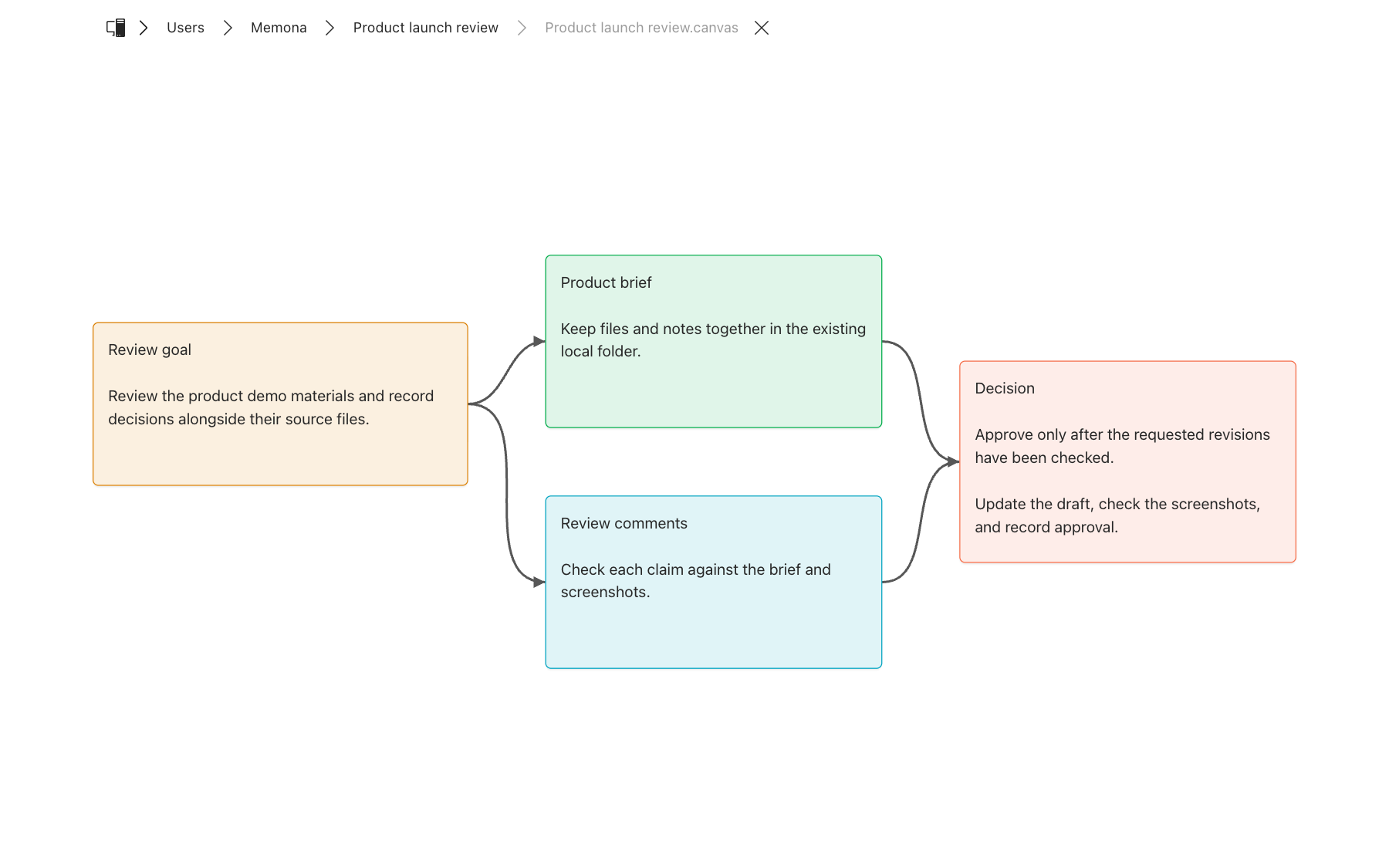
View and edit files
Open HTML, TSV, PDF, and PNG files together. Use the tools at the bottom to mark or edit files, then save them in the original folder.
Connect your own AI
Why Memona
 Memona
 Notion
 Obsidian
 VS Code
Memona keeps your real files and your own notes at the center, and connects only the AI you choose.
Pricing
Memona is free for anyone to use on their own, no strings attached. For teams and companies, we set things up around your security review and rollout.
for Personal use
Free
for Enterprise
Contact us
Contact us: business@capsulizers.com
Frequently asked questions
No. Open a folder right where it is. Turning it into a page only adds a PAGE.md file inside it. Nothing else moves.
Memona adds a notes file called PAGE.md to the folder and shows it as an editable page. You write notes, checklists, tables, and links there while seeing the folder's files and subfolders beside them.
They stay in your folders as ordinary text files. You can open them in any text editor.
Writing and saving never need an outside AI. Only if you connect an online AI service will the parts needed for your question be sent to that service.
The AI stays inside the folder you opened and follows the confirmation settings for that folder. We'll publish the exact defaults as the public release takes shape.
Memona is a program you install on your PC, so IT rules vary by company. Since nothing is uploaded to a cloud, your files never leave the PC, which usually makes the security conversation easier.